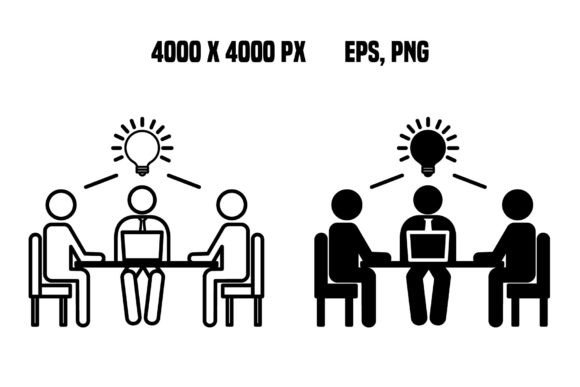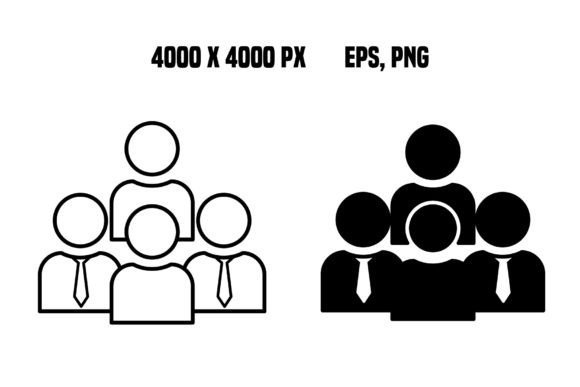
Population Icons: Versatile Vector People for Modern Design
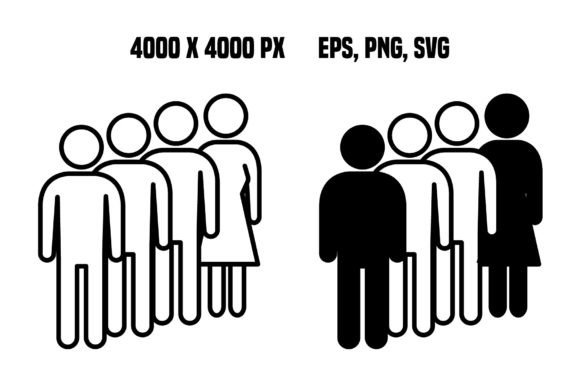
In the world of digital communication, human connection is often the most powerful tool a designer has. Whether you are building a landing page for a startup, creating a slide deck for a board meeting, or designing a flyer for a community event, the need to represent people is constant. This is where Population Icons come into play. These aren't just generic clip art; they are carefully crafted vector design elements intended to bring life and relatability to your projects. When you download the Population Icons ZIP file, you are getting more than just images; you are acquiring a toolkit that bridges the gap between abstract data and human experience.
Why Vector Graphics Matter for Your Projects
Before diving into specific use cases, it is worth understanding why the format of these icons matters so much. The Population Icons package provides high-resolution assets in both EPS and PNG formats. For the uninitiated, this distinction is crucial for professional work. The EPS files are vector-based, meaning they can be scaled up to the size of a billboard or down to a mobile app icon without losing a single pixel of clarity. The PNG files offer transparency, allowing you to drop these figures onto any background color or image seamlessly.
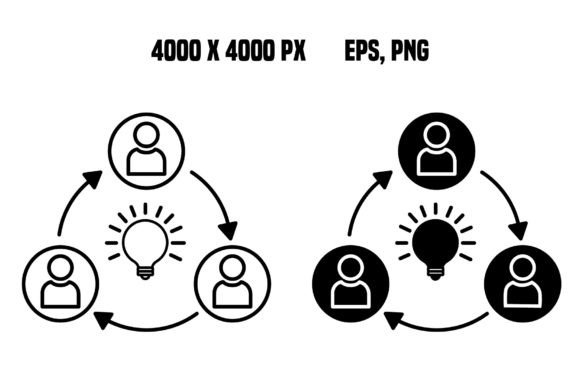
The resolution of 300 dpi at 4000 x 4000 pixels ensures that even if you decide to print these designs for physical marketing materials like brochures or posters, the quality remains sharp and professional. In an era where low-quality graphics can instantly undermine credibility, having access to such high-fidelity resources gives creators a significant advantage. It allows you to focus on your message rather than worrying about pixelation or blurry edges.
Real-World Applications for Creators and Entrepreneurs
Consider a small business owner launching a new service. They need a website that feels welcoming but professional. Using stock photos of random models can feel impersonal or expensive. Instead, integrating Population Icons allows them to illustrate concepts like "customer support," "team collaboration," or "user growth" in a stylized, consistent way. For example, an entrepreneur might use a cluster of these vector people icons to visualize their growing customer base on a homepage hero section. The clean lines and transparent backgrounds ensure the icons blend perfectly with the site's color scheme, creating a cohesive brand identity.
Freelancers and marketers face similar challenges when pitching ideas. A pitch deck filled with dense text is often ignored. By swapping out bullet points for visual representations using these vector people icons, a marketer can tell a story. Imagine a slide explaining a target demographic; instead of listing ages and locations, you place a few distinct Population Icons next to the data points. This visual shorthand helps clients grasp complex information quickly. The versatility of the design elements means they can be adapted to fit various tones, from playful and casual for a lifestyle blog to sleek and corporate for a financial report.
Educational and Community Use Cases
Beyond the commercial sector, educators and community organizers find immense value in these resources. Teachers creating online course materials often struggle to make content engaging. Visual aids are essential for breaking down difficult concepts. Population Icons can be used to represent different roles in a classroom setting, diverse groups in a history lesson, or user personas in a computer science tutorial. Because the icons are vector-based, teachers can easily modify colors to match their school's branding or to highlight specific groups within a diagram.
Similarly, non-profits and hobbyist groups organizing events need clear signage and promotional materials. A local library hosting a reading club or a tech meetup group planning a workshop can use these icons to create inviting flyers. The ability to layer these transparent PNGs over photos of the venue or colorful backgrounds makes the design process accessible even for those without advanced graphic design skills. It empowers everyday users to produce materials that look polished and intentional.
Strategic Considerations Before You Download
While the Population Icons set is incredibly versatile, thoughtful application is key to success. Before downloading and applying these assets, consider the context of your project. Are you aiming for a minimalist aesthetic, or do you need something more illustrative? The style of the icons should complement your existing brand guidelines. If your brand uses bold, thick typography, the clean lines of these vector people will likely pair well. However, if your design is heavily textured or ornate, you may need to adjust how you integrate the icons to maintain visual harmony.
Another factor to weigh is scalability. Since the package includes high-resolution files, you have the freedom to use them across multiple platforms. However, always ensure you are using the correct file type for the medium. Use the EPS files for print projects or when you need to edit the shapes in vector software like Adobe Illustrator. Use the PNG files for web design, social media posts, or presentations where quick drag-and-drop functionality is preferred. Understanding this workflow saves time and prevents frustration during the final stages of production.
Furthermore, think about diversity and representation. One of the strengths of a well-curated icon set like Population Icons is the potential to reflect a broad spectrum of society. When selecting which icons to use, aim for a mix that accurately represents your audience or the message you are conveying. This attention to detail not only enhances the visual appeal but also demonstrates inclusivity, which is increasingly important in modern communication.
Maximizing Value from the ZIP File
Once you have the Population Icons ZIP file, the possibilities are vast. The inclusion of both vector and raster formats means you are covered for almost any scenario. For web designers, the transparent PNGs are a lifesaver, eliminating the need for tedious background removal tools. For print designers, the 300 dpi resolution guarantees that the output looks crisp on paper. The 4000 x 4000 pixel dimensions provide ample room for cropping or zooming without quality loss.
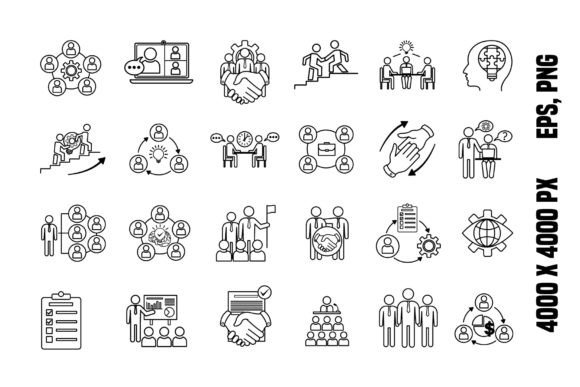
These design elements serve as building blocks for larger compositions. You can combine multiple icons to create scenes, use them as bullet points in reports, or incorporate them into infographics to represent statistics. The key is to treat them as flexible assets rather than static images. With a little creativity, these simple vector people can become the focal point of a compelling narrative, helping you connect with your audience on a deeper level.
Whether you are a seasoned designer looking to expand your asset library or a beginner trying to make your first project look professional, Population Icons offers a practical solution. By focusing on real-world applications and prioritizing quality, this resource stands out as a valuable addition to any creative toolkit. Thank you for visiting the store and exploring how these tools can elevate your work. With the right approach, these icons will help you communicate your vision clearly, effectively, and beautifully.